
How can I configure the kudos' leaderboard privacy?
It is possible to configure the visibility for the leaderboard.
Navigate to Kudos using the app top bar from the web app, then click on "Kudos Settings".
Find the "Leaderboard visibility" section and select one of the options:
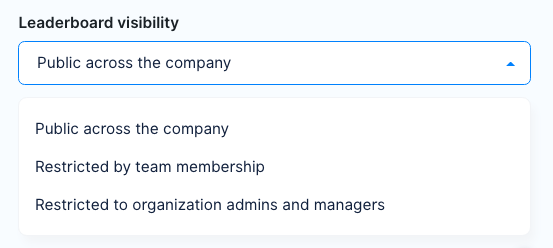
If the leaderboard visibility is restricted for a user, that user won't be able to see a leaderboard in the web application, neither query it from the chat bot with the "kudos leaderboard" command.